Building a Production K3s Cluster from Scratch with Ansible
How I provisioned 3 VMs on Switch Engine, installed K3s, configured Traefik and cert-manager, hardened SSH, and joined worker nodes — all automated with Ansible playbooks.
Why K3s on a Swiss Cloud
I wanted a Kubernetes cluster that I fully control — no managed service, no vendor abstractions. The goal was to run 10+ services (portfolio, monitoring, dashboards, automation) on a small but production-grade setup.
K3s made sense because it bundles everything I need out of the box: Traefik for ingress, Flannel for networking, CoreDNS, an embedded etcd datastore, and a local-path storage provisioner. One binary, one systemd service, and I have a fully certified Kubernetes cluster.
The cloud provider is Switch Engine, a Swiss OpenStack-based IaaS. Three Ubuntu VMs, one master and two workers, sitting on a private network with a single floating IP on the master.
Cluster Architecture
k3s-master-1 (c1.xlarge — 8 vCPU, 8 GB RAM)
├── K3s server (control plane + etcd + scheduler)
├── Traefik v3.6 (ingress, bundled with K3s)
├── cert-manager v1.19.4 (TLS automation)
└── Floating IP: 86.119.45.77

worker-node-1 (c1.medium — 2 vCPU, 2 GB RAM)
├── K3s agent
└── Private IP: 10.0.4.223

worker-node-2 (c1.medium — 2 vCPU, 2 GB RAM)
├── K3s agent
└── Private IP: 10.0.7.146
Workers have no public IPs. SSH reaches them through ProxyJump via the master. All inter-node traffic flows over the private network on Flannel’s VXLAN overlay (port 8472/UDP).
Provisioning VMs with Ansible
Instead of clicking through the Switch Engine dashboard, I wrote an Ansible playbook using the openstack.cloud collection. It creates a security group with the right ports, provisions all three VMs with volume-backed storage, and assigns a floating IP to the master.
- name: Create VMs
  openstack.cloud.server:
    cloud: engines
    name: "{{ item.name }}"
    image: "Ubuntu Noble 24.04 (SWITCHengines)"
    flavor: "{{ item.flavor }}"
    key_name: cruz-ssh-key
    security_groups: ["k3s-cluster", "default"]
    network: private
    boot_from_volume: true
    volume_size: "{{ item.volume_size }}"
    wait: true
    state: present
  loop:
    - { name: k3s-master-1, flavor: c1.xlarge, volume_size: 40 }
    - { name: worker-node-1, flavor: c1.medium, volume_size: 30 }
    - { name: worker-node-2, flavor: c1.medium, volume_size: 30 }
Authentication uses Application Credentials stored in ~/.config/openstack/clouds.yaml with the secret in a separate secure.yaml. No passwords in environment variables, no openrc.sh files. The SSH key is managed through 1Password’s agent — no private key files on disk.
The Ansible Inventory
The inventory defines how Ansible reaches every node. Workers connect through the master using SSH ProxyJump:
all:
  children:
    k3s_server:
      hosts:
        k3s-master-1:
          ansible_host: 86.119.45.77
          intern_ip: 10.0.2.176
          ansible_user: ubuntu
          ansible_python_interpreter: /usr/bin/python3

    k3s_agents:
      hosts:
        worker-node-1:
          ansible_host: 10.0.4.223
          ansible_user: ubuntu
          ansible_ssh_common_args: "-o ProxyJump=ubuntu@86.119.45.77"
        worker-node-2:
          ansible_host: 10.0.7.146
          ansible_user: ubuntu
          ansible_ssh_common_args: "-o ProxyJump=ubuntu@86.119.45.77"
No ansible_ssh_private_key_file needed — 1Password’s SSH agent handles authentication transparently.
Master Setup: One Playbook, Everything
The master node orchestrator setup_bodhi.yml runs the entire Phase 1 setup in sequence: Python, Helm, K3s, kubeconfig permissions, Traefik configuration, cert-manager, SSH keys, and firewall rules.
- name: Setup K3s master node
  hosts: k3s_server
  become: true
  vars:
    kubeconfig_path: /etc/rancher/k3s/k3s.yaml
    cert_manager_version: v1.19.4
    email_for_lets_encrypt: william@williamcruz.ch

  tasks:
    - import_tasks: install/install_k3s.yaml
      tags: [k3s]
    - import_tasks: install/configure_traefik.yaml
      tags: [traefik]
    - import_tasks: tls/setup_certmanager.yaml
      tags: [certmanager]
    - import_tasks: install/configure_firewall.yaml
      tags: [firewall]
Each task is tagged, so I can re-run individual components:
ansible-playbook -i inventory.yml setup_bodhi.yml --tags traefikK3s installation itself is straightforward — the official install script pinned to a specific version:
curl -sfL https://get.k3s.io | INSTALL_K3S_VERSION=v1.35.2+k3s1 sh -The playbook waits for the node to report Ready before proceeding.
Traefik: Overriding the Bundled Ingress
K3s auto-deploys Traefik through its built-in Helm controller. Any YAML in /var/lib/rancher/k3s/server/manifests/ gets applied automatically. I use a HelmChartConfig resource to enable TLS on the websecure entrypoint and the dashboard:
apiVersion: helm.cattle.io/v1
kind: HelmChartConfig
metadata:
  name: traefik
  namespace: kube-system
spec:
  valuesContent: |-
    dashboard:
      enabled: true
    ports:
      websecure:
        tls:
          enabled: true
One lesson learned: never pin image.tag in the HelmChartConfig. K3s uses Rancher’s mirrored images, and newer tags may not exist in that mirror. Let K3s manage the Traefik version.
cert-manager: Automatic HTTPS
cert-manager handles TLS certificate provisioning with Let’s Encrypt. I install it via the OCI Helm chart — no helm repo add needed, the chart pulls directly from quay.io:
- name: Install cert-manager via OCI Helm chart
  kubernetes.core.helm:
    kubeconfig: "{{ kubeconfig_path }}"
    name: cert-manager
    chart_ref: oci://quay.io/jetstack/charts/cert-manager
    chart_version: "{{ cert_manager_version }}"
    release_namespace: cert-manager
    create_namespace: true
    values:
      crds:
        enabled: true
    wait: true
After installation, I create two ClusterIssuers — staging for testing (no rate limits) and production for real certificates:
apiVersion: cert-manager.io/v1
kind: ClusterIssuer
metadata:
  name: letsencrypt-prod
spec:
  acme:
    email: william@williamcruz.ch
    server: https://acme-v02.api.letsencrypt.org/directory
    privateKeySecretRef:
      name: letsencrypt-prod
    solvers:
      - http01:
          ingress:
            class: traefik
From this point on, any Ingress resource with the annotation cert-manager.io/cluster-issuer: letsencrypt-prod gets a valid TLS certificate automatically. No manual renewal, no cron jobs.
Firewall and SSH Hardening
UFW rules on the master allow only the ports K3s needs: 22 (SSH), 80/443 (HTTP/S via Traefik), 6443 (K3s API), 8472/UDP (Flannel VXLAN), and 10250 (Kubelet). Everything else is denied by default.
SSH keys are managed centrally through an Ansible playbook that distributes authorized public keys to all nodes.
Joining Worker Nodes
The worker setup playbook setup_worker_node.yml grabs the join token from the master and installs the K3s agent on each worker:
ansible-playbook -i inventory.yml setup_worker_node.ymlAfter joining, the cluster has three nodes:
NAME             STATUS   ROLES                  VERSION
k3s-master-1     Ready    control-plane,master   v1.35.2+k3s1
worker-node-1    Ready    <none>                 v1.35.2+k3s1
worker-node-2    Ready    <none>                 v1.35.2+k3s1
DNS: One Wildcard, All Subdomains
DNS is configured at Nameshep with two A records:
@→86.119.45.77*→86.119.45.77
The wildcard routes every subdomain to the master. Traefik inspects the Host header and routes to the correct service. Combined with cert-manager, every new service I deploy gets HTTPS automatically — no DNS changes, no certificate requests.
The Full Setup Takes 8 Minutes
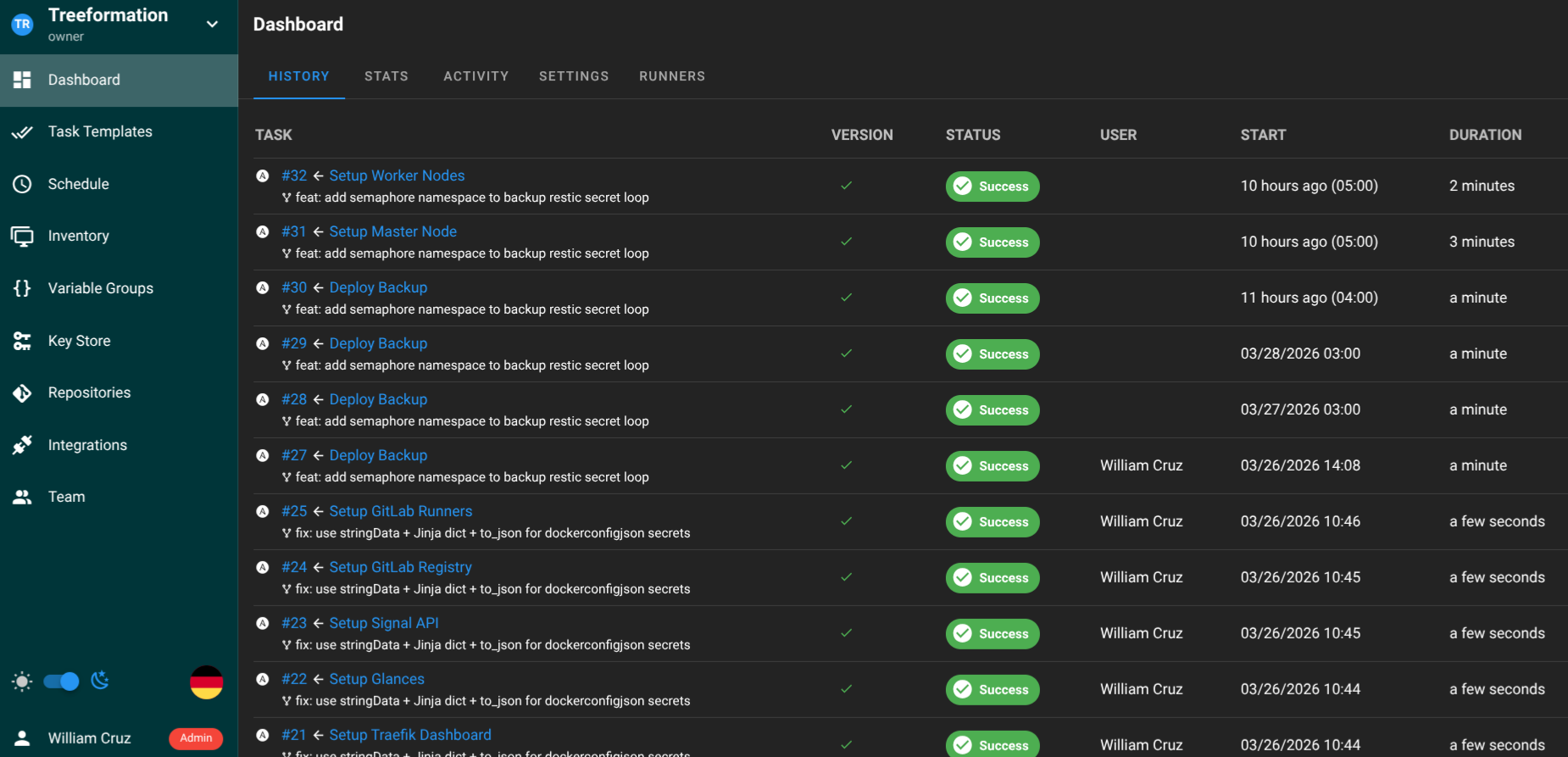
From a completely empty cluster to a production-ready K3s setup with Traefik, cert-manager, SSH hardening, and three joined nodes: about 8 minutes of Ansible execution time. The entire infrastructure is reproducible — if the cluster dies, I run the same playbooks and I’m back.
What I’d Do Differently
- Volume snapshots: I should snapshot the master’s volume before major changes. Switch Engine supports this natively.
- Separate etcd: For a production workload that actually matters, an external etcd cluster would be safer than the embedded one. For a personal setup running a portfolio and monitoring tools, embedded etcd is fine.
- Quota planning: With c1.xlarge for the master and two c1.medium workers, I’m at exactly 12 vCPUs — the default Switch Engine quota. If I need a third worker, I’ll need to request a quota increase.