Deploying ERPNext v16 on K3s: Challenges, Decisions, and Why Not Odoo
How I deployed a full ERPNext v16 ERP system on a resource-constrained K3s cluster — solving NFS storage, MariaDB secrets, Helm timeouts, and why ERPNext won over Odoo for self-hosted infrastructure.
Why an ERP on a Homelab Cluster?
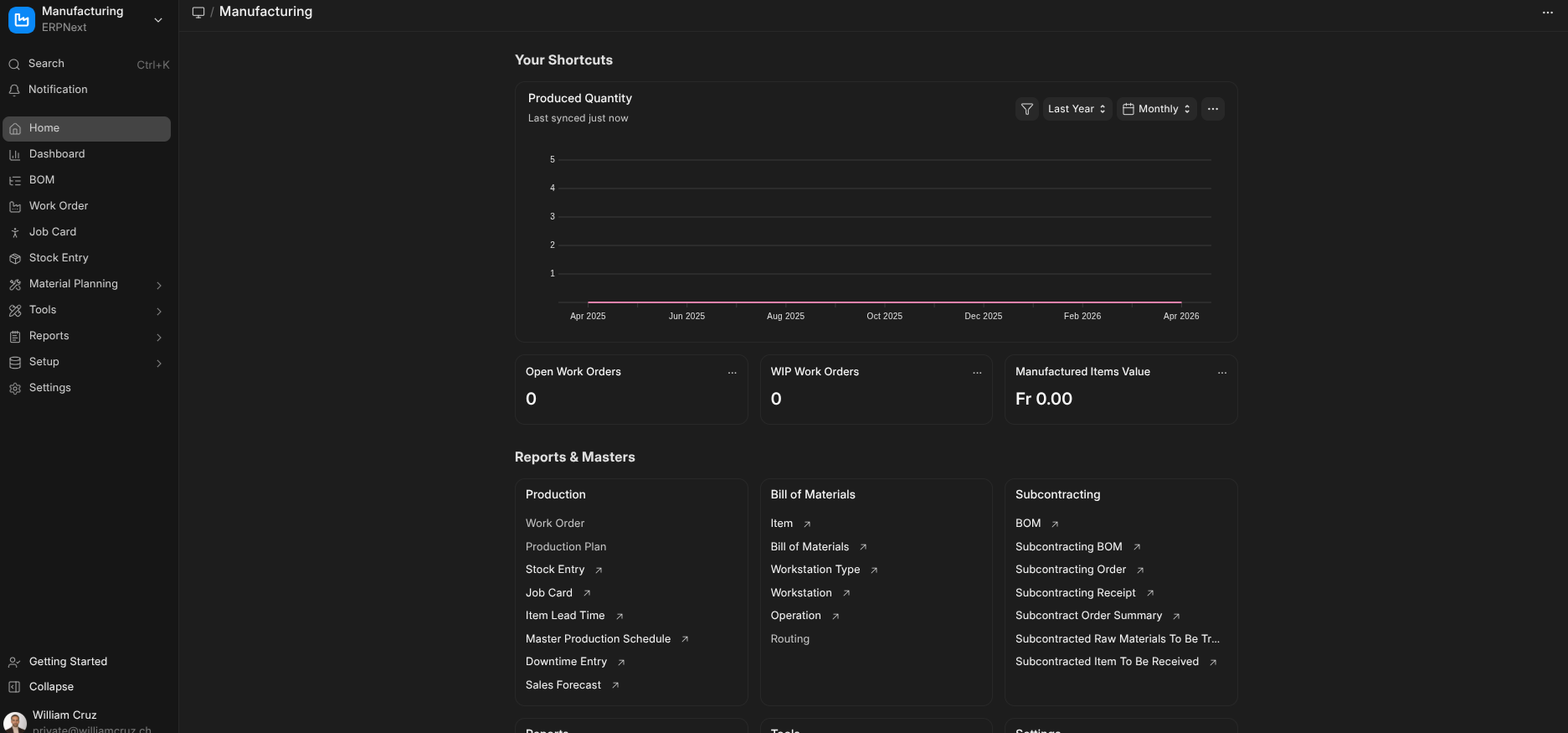
Running your own ERP might sound like overkill for personal infrastructure, but ERPNext is more than accounting software. It’s a full business platform — CRM, project management, HR, inventory — that I wanted available for consulting work and as a portfolio piece showing I can deploy complex, stateful applications on Kubernetes.
The challenge: fitting a 12-pod application with MariaDB, Redis, and shared NFS storage onto a K3s cluster with 2Gi worker nodes and 8.5Gi free disk space.
ERPNext vs Odoo: Why I Chose ERPNext
Both ERPNext and Odoo are open-source ERP systems, but they differ fundamentally in philosophy and licensing.
Licensing Model
Odoo uses a dual-license model. The Community Edition (CE) is LGPL, but it’s deliberately crippled — missing accounting reports, inventory barcoding, quality control, and most features businesses actually need. The Enterprise Edition requires a per-user annual subscription ($24.90-$44.90/user/month). The “open-source” label is technically true but practically misleading.
ERPNext is GPL v3 — fully open-source with zero feature gates. Every module, every report, every feature is available for free. No “community vs enterprise” split. The same code runs on Frappe Cloud (their hosted offering) and on your own cluster.
Architecture
Odoo is a monolithic Python application with its own ORM, web framework, and module system. Self-hosting means running a single large process with PostgreSQL. It’s simpler to deploy but harder to scale — horizontal scaling requires Odoo’s enterprise load balancer.
ERPNext is built on the Frappe Framework — a Python/JavaScript full-stack framework with separate processes for web serving (gunicorn), background jobs (workers), real-time updates (socketio), and scheduling. This maps naturally to Kubernetes with independent deployments that can scale individually.
Kubernetes Support
Odoo has no official Helm chart. Community charts exist but are poorly maintained and lack production patterns like health checks, proper secret management, and job-based migrations.
ERPNext has an official, actively maintained Helm chart (https://helm.erpnext.com) with proper Kubernetes primitives — separate deployments for each component, configurable resource limits, built-in MariaDB/Redis StatefulSets, and Job-based site creation and migration.
Community
ERPNext has 600+ contributors, 20K+ GitHub stars, and a vibrant forum. The Frappe team ships regular releases (v16.11.0 as of March 2026) with clear migration guides. Odoo CE gets less community attention because most effort goes to the enterprise edition.
The Deciding Factor
For self-hosted infrastructure, the licensing model was the deciding factor. I don’t want to hit a feature wall that requires an enterprise license. ERPNext gives me the full platform — same as what runs on Frappe Cloud — for the cost of my own compute.
The Deployment Architecture
ERPNext on Kubernetes is complex. The official Helm chart deploys 12 pods:
Internet → erp.williamcruz.ch (Traefik + TLS)
  → nginx (reverse proxy + static assets)
    → gunicorn (Python web server)
    → socketio (real-time updates)
  → scheduler (background scheduler)
  → worker-d/s/l (default/short/long background workers)
  → MariaDB (built-in StatefulSet)
  → Valkey cache + queue + socketio (3 Redis-compatible instances)
All ERPNext pods share a single sites volume containing configuration, uploaded files, and site data. This volume must be ReadWriteMany (RWX) — meaning multiple pods on different nodes read and write simultaneously.
Challenge 1: No RWX Storage on K3s
K3s ships with the local-path provisioner, which only supports ReadWriteOnce. This is fine for PostgreSQL StatefulSets and single-pod apps, but ERPNext’s 7+ pods all mounting the same volume breaks immediately.
Solution: In-Cluster NFS Provisioner
I deployed the nfs-ganesha-server-and-external-provisioner — a lightweight NFS server running inside the cluster, backed by a local-path PVC. It creates an nfs StorageClass that supports RWX.
# setup_nfs_provisioner.yaml (Ansible task)
- name: Deploy NFS Ganesha server provisioner via Helm
  kubernetes.core.helm:
    name: in-cluster
    chart_ref: nfs-server-provisioner
    chart_repo_url: https://kubernetes-sigs.github.io/nfs-ganesha-server-and-external-provisioner
    values:
      persistence:
        enabled: true
        storageClass: local-path
        size: 15Gi
      storageClass:
        name: nfs
Gotcha: nfs-common must be installed on all nodes. The first deploy had all pods stuck in ContainerCreating for 20 minutes. The error was buried in kubectl describe pod:
MountVolume.SetUp failed: mount failed: exit status 32
bad option; you might need a /sbin/mount.<type> helper program
Ubuntu doesn’t include NFS client tools by default. Fixed with:
ansible all -i inventory.yml -b -m apt -a "name=nfs-common state=present"This is now automated in the NFS provisioner Ansible task file.
Challenge 2: PVC Size vs NFS Overhead
The NFS provisioner creates a local-path PVC as its backing store, then serves NFS on top. I initially set both the backing PVC and the ERPNext PVC to 20Gi — but filesystem overhead (journal, inodes, reserved blocks) left only ~18Gi usable, and the 20Gi ERPNext PVC couldn’t provision.
The error was clear once I knew where to look:
insufficient available space 19165122560 bytes to satisfy claim for 21474836480 bytesSolution: NFS backing at 15Gi, ERPNext PVC at 8Gi. Since local-path uses sparse allocation (actual disk usage grows with data, not the claimed size), 8Gi is plenty for a fresh ERPNext install that starts at <1Gi.
Challenge 3: Helm Timeout on First Deploy
ERPNext’s first deploy is slow — it pulls ~10 container images and runs a createSite Job that initializes the full database schema. With wait: true in the Helm task, the 15-minute timeout wasn’t enough.
Solution: Set wait: false in the Helm install and handle readiness checks in separate Ansible tasks:
- name: Deploy ERPNext via Helm
  kubernetes.core.helm:
    name: erpnext
    chart_ref: erpnext
    chart_repo_url: https://helm.erpnext.com
    wait: false  # Don't block — check readiness below

- name: Wait for gunicorn pods
  kubernetes.core.k8s_info:
    kind: Pod
    namespace: erpnext
    label_selectors:
      - "app.kubernetes.io/name=erpnext-gunicorn"
  register: gunicorn_pods
  until: gunicorn_pods.resources | map(attribute='status.phase') | unique == ['Running']
  retries: 40
  delay: 15
This decouples the Helm install from the readiness verification, giving pods as much time as they need.
Challenge 4: Secret Management Without ArgoCD
Every other application on my cluster uses ArgoCD with the existingSecret pattern — Ansible pre-creates K8s Secrets from vault, and the Helm chart references them. But the Frappe Helm chart expects mariadb-sts.rootPassword and jobs.createSite.adminPassword directly in values. It doesn’t support existingSecret.
With ArgoCD, these values would need to be in a Git-committed values-dev.yml — putting secrets in Git, which violates the entire point of Ansible Vault.
Solution: Deploy via Helm directly (not ArgoCD), using Ansible’s template module to render a Jinja2 values file with vault secrets, pass it to Helm, then delete it:
- name: Template ERPNext values file
  ansible.builtin.template:
    src: values-erpnext.yaml
    dest: /tmp/erpnext-values-rendered.yaml
    mode: "0600"

- name: Deploy ERPNext via Helm
  kubernetes.core.helm:
    values_files:
      - /tmp/erpnext-values-rendered.yaml

- name: Clean up rendered values file
  ansible.builtin.file:
    path: /tmp/erpnext-values-rendered.yaml
    state: absent
Secrets never touch Git. Same pattern as kube-prometheus-stack (Grafana password) and Uptime Kuma.
Challenge 5: Resource Constraints
My cluster has 2Gi RAM worker nodes and 8.5Gi free disk on the master. ERPNext’s default resource requests would exhaust a worker node.
Solution: Conservative resource limits sized for the cluster:
gunicorn:
  resources:
    requests: { cpu: 100m, memory: 256Mi }
    limits:   { cpu: 500m, memory: 512Mi }
worker-d:
  resources:
    requests: { cpu: 50m, memory: 128Mi }
    limits:   { cpu: 300m, memory: 384Mi }
nginx:
  resources:
    requests: { cpu: 25m, memory: 32Mi }
    limits:   { cpu: 150m, memory: 96Mi }
Total RAM requests: ~640Mi across all ERPNext pods. Pods can burst to limits when needed but won’t starve other services of reservable resources.
The Backup Strategy
ERPNext uses MariaDB — not PostgreSQL like every other service on the cluster. This required a new backup CronJob template using mysqldump instead of pg_dump:
initContainers:
  - name: mariadb-dump
    image: mariadb:11
    command: ["/bin/sh", "-c"]
    args:
      - mariadb-dump -h erpnext-mariadb-sts -u root
          -p"$MYSQL_ROOT_PASSWORD"
          --skip-ssl
          --all-databases --single-transaction
          | gzip > /backup/erpnext-mariadb.sql.gz
Two gotchas I hit during testing:
-
mysqldumpdoesn’t exist in MariaDB 11. The binary was renamed tomariadb-dump. Themariadb:11Docker image only ships the new name — runningmysqldumpsilently produces an empty gzip file with no error code. -
TLS required by default. MariaDB’s built-in StatefulSet enables SSL, but the dump client connecting over the internal cluster network doesn’t have certificates. The fix is
--skip-ssl— safe because it’s a pod-to-pod connection within the same namespace, never leaving the cluster network.
The --single-transaction flag ensures a consistent snapshot without locking tables. The dump runs daily at 03:00 UTC, encrypted with restic, and pushed to SWITCHengines S3.
Final Result
ERPNext v16 runs on the K3s cluster with:
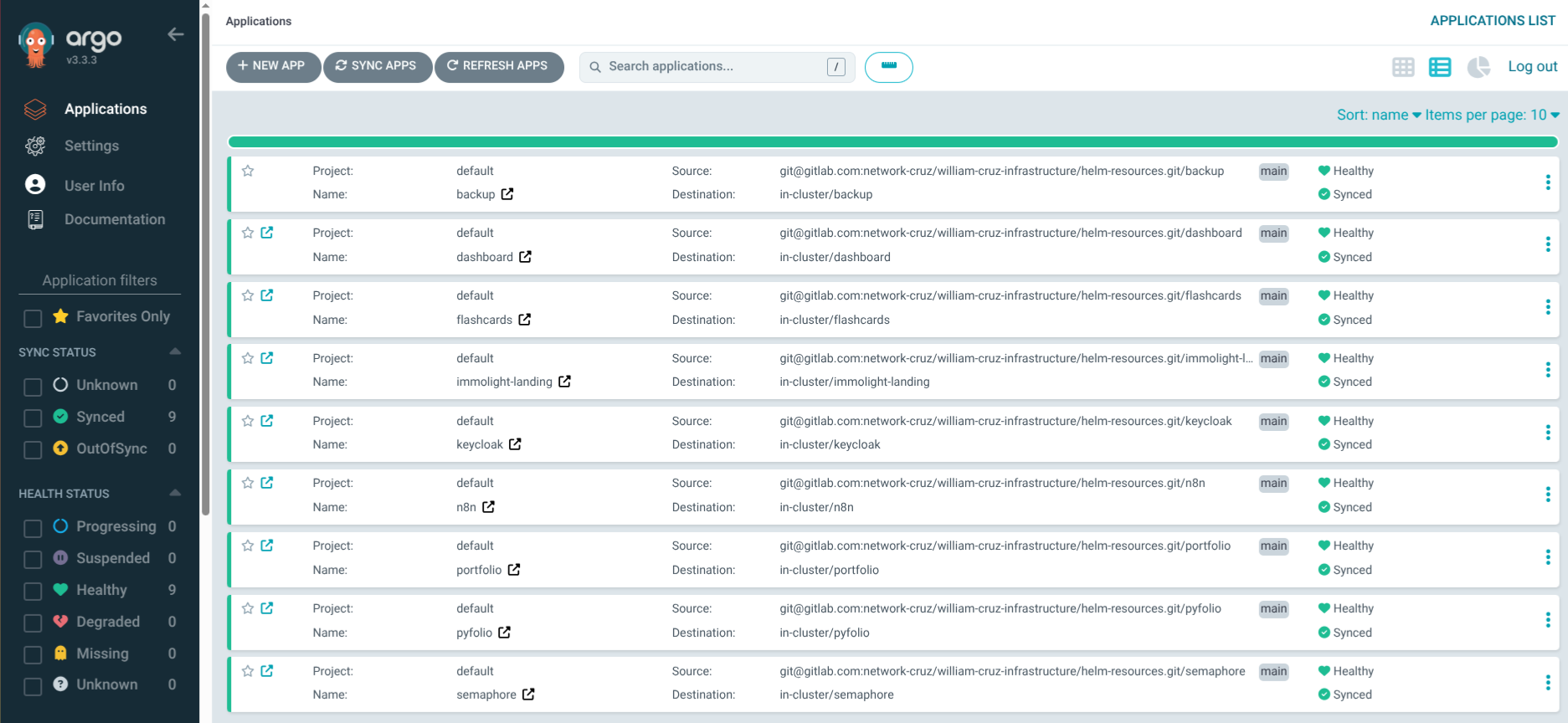
- 12 pods across 3 nodes (gunicorn, nginx, socketio, scheduler, 3 workers, MariaDB, 3 Valkey instances, + completed Jobs)
- ~640Mi RAM reserved, bursting when needed
- NFS RWX storage for the shared sites volume
- Automated MariaDB backups to S3 with restic
- Valid TLS via cert-manager + Let’s Encrypt
- Ansible Vault for all secrets — nothing in Git
The full deployment from zero (NFS provisioner + ERPNext) takes about 10 minutes and runs with two Ansible commands:
ansible-playbook --ask-vault-pass -i inventory.yml setup_bodhi.yml --tags nfs
ansible-playbook --ask-vault-pass -i inventory.yml erpnext/deploy_erpnext.yaml
Lessons Learned
-
Always check node-level prerequisites. NFS mounts need
nfs-commonon the host OS, not just in containers. This applies to any storage driver that uses kernel modules. -
Don’t trust PVC sizes at face value. Filesystem overhead is real — a 20Gi PVC doesn’t give you 20Gi of usable space.
-
Decouple Helm install from readiness checks. Complex applications with many pods and init jobs need more time than a single Helm timeout can provide.
-
Not everything belongs in ArgoCD. When a Helm chart doesn’t support
existingSecret, deploying via Ansible + Helm directly is cleaner than working around ArgoCD’s limitations. -
Right-size for your cluster. A 2Gi worker node can run ERPNext — but only with careful resource requests. Start minimal and scale up based on actual usage.
-
Verify backup output, not just exit codes.
mysqldumpsilently produces a 20-byte empty gzip when the binary doesn’t exist (MariaDB 11 renamed it tomariadb-dump). The CronJob completed with exit code 0 — only checking the dump file size revealed the problem.