Secrets Management in a Self-Hosted Kubernetes Stack
How I manage secrets across Ansible Vault, 1Password, and Kubernetes — including the existingSecret pattern that fixed a critical PostgreSQL initialization bug.
Three Places Secrets Live
In a self-hosted Kubernetes stack, secrets are scattered across layers. I manage them in three places, each serving a different purpose:
- Ansible Vault (
treeformation/secrets.yml) — GitLab tokens, ArgoCD SSH deploy key, database credentials, S3 keys, encryption passwords. This is the primary secret store for infrastructure provisioning. - 1Password — SSH keys for Switch Engine VMs, SWITCHengines Application Credentials, backup copies of critical secrets (restic password, Keycloak admin, n8n encryption key). This is the human-accessible backup.
- Kubernetes Secrets — Runtime secrets consumed by pods. Created by Ansible playbooks or cert-manager. These include registry pull secrets, TLS certificates, database credentials, and API keys.
Ansible Vault: The Core
Every Ansible playbook that touches secrets uses --ask-vault-pass and reads from an encrypted secrets.yml:
ansible-playbook --ask-vault-pass -i inventory.yml deploy_keycloak.yamlThe vault contains credentials for every service:
- GitLab registry token and runner token
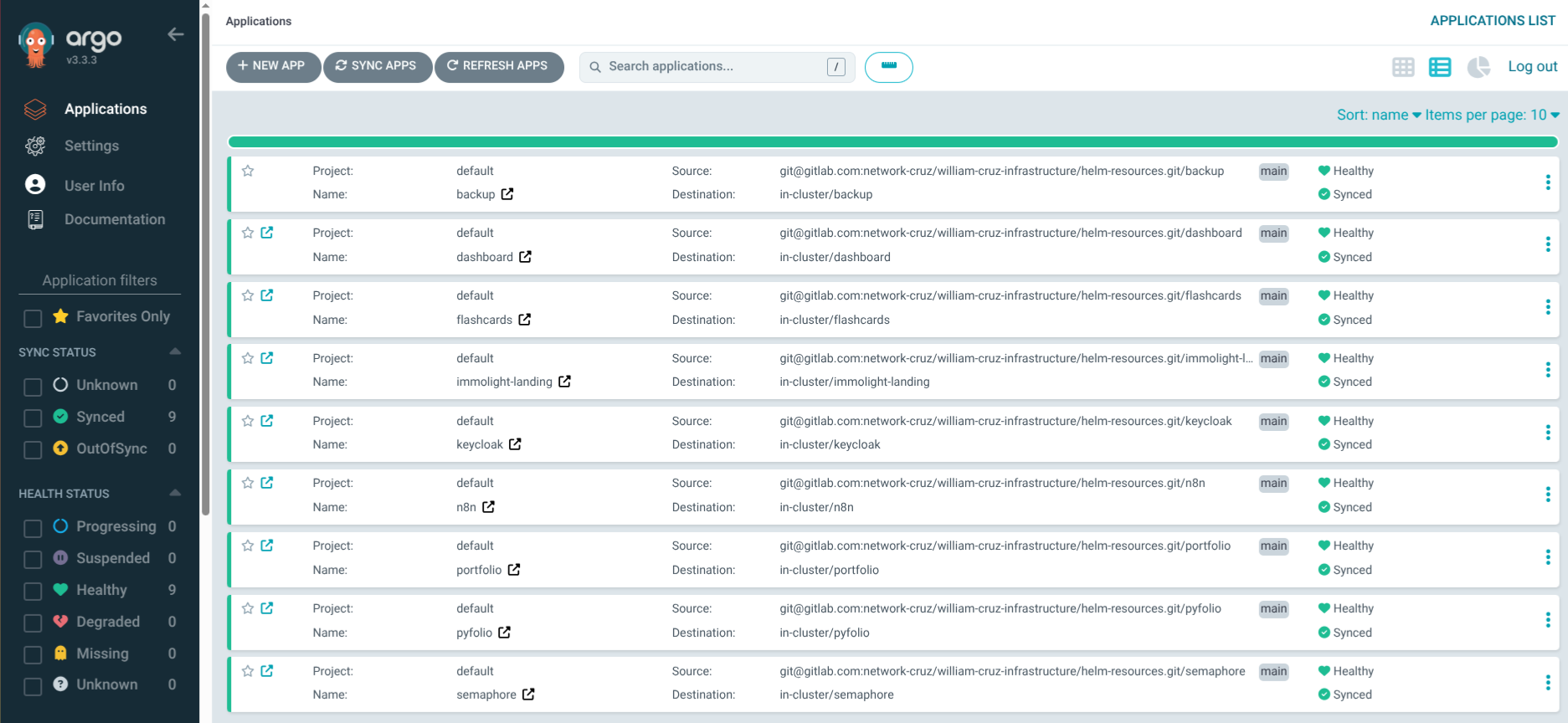
- ArgoCD SSH deploy key for the helm-resources repo
- Database passwords for n8n, Keycloak, Dashboard, Flashcards, Semaphore
- S3 credentials and restic encryption password for backups
- Keycloak admin credentials
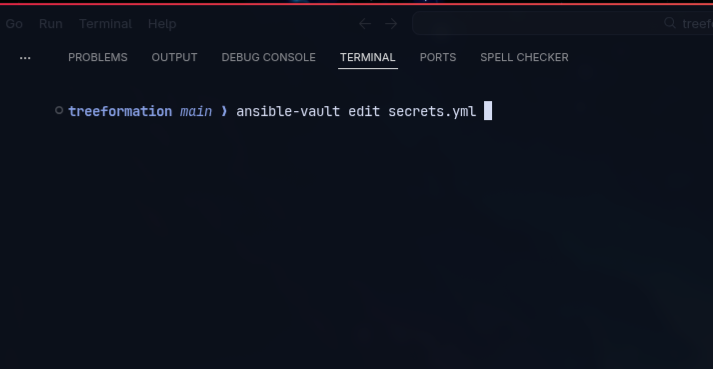
To edit secrets:
ansible-vault edit secrets.ymlThe vault password itself exists only in my head and in 1Password. It’s never written to disk unencrypted, never passed as a command-line argument, and never stored in environment variables.
The existingSecret Pattern
This was the most impactful change to secrets management in the entire project. Here’s what happened.
The Problem
Services using bitnami PostgreSQL subcharts (Dashboard, n8n, Keycloak, Flashcards, Semaphore) had a placeholder value in values-dev.yml:
postgresql:
  auth:
    password: "REPLACE_VIA_ANSIBLE_VAULT"
The intention was that Ansible would replace this at deploy time. But the reality was different: ArgoCD deployed the Helm chart with the placeholder string as the actual password. On first deploy, PostgreSQL initialized with REPLACE_VIA_ANSIBLE_VAULT as the database password. The application, configured with the real vault password, couldn’t connect.
Worse, deleting the PVC and reinitializing would re-create the database with the placeholder password again, causing the same failure.
The Solution
Pre-create the Kubernetes Secret with the real password before ArgoCD deploys the chart. Then reference it using auth.existingSecret in the Helm values:
Ansible playbook (runs before ArgoCD):
- name: Create flashcards-postgresql Secret
  kubernetes.core.k8s:
    state: present
    definition:
      apiVersion: v1
      kind: Secret
      metadata:
        name: flashcards-postgresql
        namespace: flashcards
      type: Opaque
      stringData:
        password: "{{ vault_flashcards_db_password }}"
        postgres-password: "{{ vault_flashcards_db_password }}"
values-dev.yml (no password in Git):
postgresql:
  auth:
    existingSecret: flashcards-postgresql
    secretKeys:
      userPasswordKey: password
      adminPasswordKey: postgres-password
No passwords in Git — not even placeholders. The Secret is managed by Ansible, and the Helm chart references it by name. If the PVC gets deleted and PostgreSQL reinitializes, it reads the real password from the pre-created Secret.
This pattern is now used for all 5 services with PostgreSQL: Dashboard, n8n, Keycloak, Flashcards, and Semaphore.
Critical Ordering
Ansible must run before ArgoCD syncs. If ArgoCD deploys the chart and the referenced Secret doesn’t exist yet, the pod fails with FailedMount: secret not found. The playbook order enforces this: create namespace → create secrets → apply ArgoCD Application.
1Password as the Safety Net
1Password stores backup copies of critical secrets that would be painful to regenerate:
- SSH keys for Switch Engine VMs — losing these means console access is the only way back in
- Restic encryption password — losing this means all backup snapshots are permanently inaccessible
- Keycloak admin password — losing this means no realm management
- n8n encryption key — losing this means all stored n8n credentials become unreadable
SSH authentication uses 1Password’s agent (~/.1password/agent.sock), so private keys never exist as files on disk. The Ansible inventory doesn’t specify ansible_ssh_private_key_file — the agent handles it transparently.
Kubernetes Secrets Inventory
A snapshot of all Kubernetes Secrets in the cluster, organized by who creates them:
Created by Ansible:
gitlab-registry(multiple namespaces) — ImagePullSecret for GitLab Registryhelm-resources-repo(argocd) — SSH key for ArgoCD repo accessn8n-env(n8n) — Encryption key + DB passwordkeycloak-admin-secret(keycloak) — Admin credentials*-postgresql(5 namespaces) — Database passwords for bitnami subchartsbackup-restic(7 namespaces) — S3 credentials + restic password
Created by cert-manager:
*-tls(multiple namespaces) — TLS certificates for every ingress
Created by ArgoCD:
argocd-initial-admin-secret— Initial admin password
Rotation Policy
- GitLab deploy tokens: Rotate every 90 days
- ArgoCD SSH deploy key: Rotate when team composition changes
- SWITCHengines Application Credentials: Set 90-day expiration, rotate before expiry
- Database passwords: Rotate annually or on suspected compromise
- Restic password: Never rotate (would invalidate all existing snapshots)
Emergency Access
If the Ansible Vault password is lost: generate new secrets and re-encrypt. Every service will need its secrets re-created.
If SSH keys are lost: re-export from 1Password, update authorized_keys via the Switch Engine console.
If Kubernetes Secrets are deleted: re-run the corresponding Ansible playbook. The playbook is idempotent — it creates or updates the Secret without affecting the running application.
The entire secrets management system is designed around one principle: secrets should be recoverable from Ansible Vault + 1Password alone. If I lose the cluster but have those two, I can rebuild everything.