Encrypted Backups to S3 with Restic: A Kubernetes Backup Strategy
Why I chose restic over Velero and rclone, the CronJob-per-namespace pattern with pg_dump, S3 storage on SWITCHengines, push monitoring for backup health, and a real disaster recovery walkthrough.
The Problem: Zero Backups
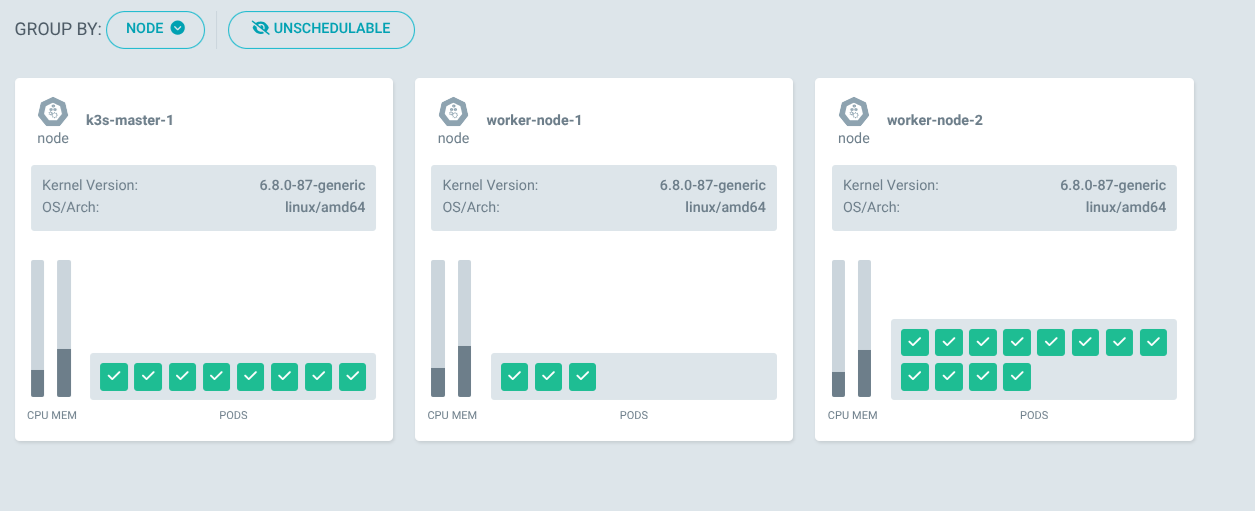
For the first few weeks, my K3s cluster had no backups at all. Every PVC used the local-path provisioner, which stores data directly on the node’s disk. If a node dies, all PVCs on that node are gone — databases, uploaded files, configuration state, everything.
I needed off-cluster, encrypted backups to an external storage target.
Why Restic Over Velero and rclone
I evaluated three options:
Velero is designed for full cluster-level snapshots. It works best with CSI volume snapshots or cloud provider integrations. On a K3s cluster with local-path provisioner, there are no volume snapshots to take. Velero adds CRD complexity and doesn’t solve the fundamental problem of getting data off the node.
rclone is a sync tool, not a backup tool. It copies current state to a remote target but provides no versioning, no deduplication, and no encryption at rest. If a database gets corrupted and rclone syncs the corrupted file, both copies are ruined.
Restic provides encrypted, deduplicated, incremental backups with built-in retention policies and native S3 support. It’s a single binary with no CRDs, works perfectly with CronJobs, and combined with pg_dump for PostgreSQL logical dumps, it covers all backup scenarios including disaster recovery.
The Architecture
Each service with persistent data gets its own CronJob that runs at 2-3 AM:
CronJob (per namespace)
  → pg_dump (for PostgreSQL services)
  → restic backup to S3
  → restic forget (retention policy)
  → wget heartbeat to Uptime Kuma
Backup targets: keycloak, dashboard, flashcards, n8n, pyfolio, monitoring (Grafana), semaphore.
The S3 endpoint is SWITCHengines object storage (s3-zh.os.switch.ch), a Swiss-hosted S3-compatible service.
The Helm Chart
The backup Helm chart contains one CronJob template per service. Each CronJob mounts the target service’s PVC, runs the backup script, and reports status. Here’s a simplified version of the Keycloak backup CronJob:
apiVersion: batch/v1
kind: CronJob
metadata:
  name: backup-keycloak-db
  namespace: keycloak
spec:
  schedule: "0 2 * * *"
  jobTemplate:
    spec:
      template:
        spec:
          containers:
            - name: backup
              image: restic/restic:latest
              command: ["/bin/sh", "-c"]
              args:
                - |
                  # Dump PostgreSQL
                  PGPASSWORD=$DB_PASSWORD pg_dump -h keycloak-postgresql \
                    -U $DB_USER -d $DB_NAME > /tmp/keycloak.sql

                  # Initialize repo if needed
                  restic snapshots 2>/dev/null || restic init

                  # Backup
                  restic backup /tmp/keycloak.sql \
                    --tag keycloak --tag postgresql \
                    --host k3s-cluster

                  # Retention: 7 daily, 4 weekly, 6 monthly
                  restic forget \
                    --keep-daily 7 \
                    --keep-weekly 4 \
                    --keep-monthly 6 \
                    --prune

                  # Heartbeat
                  wget -qO- "$PUSH_URL" \
                    || echo "WARNING: heartbeat push failed (exit code: $?)"
The last line is important — the heartbeat push is non-fatal. A failed wget (due to an Uptime Kuma bug, network glitch, or DNS issue) should never cause the backup itself to be marked as failed.
K3s State Backup
Besides application data, K3s itself stores cluster state in an embedded SQLite database at /var/lib/rancher/k3s/server/db/state.db. I back this up with a cron job on the master node (not a Kubernetes CronJob — it needs host-level access):
# Safe SQLite copy while K3s is running
sqlite3 /var/lib/rancher/k3s/server/db/state.db ".backup $BACKUP_DIR/state.db"

restic backup "$BACKUP_DIR" --tag k3s-state --tag sqlite --host k3s-master-1

restic forget --keep-daily 7 --keep-weekly 4 --keep-monthly 6 --prune
Using sqlite3 .backup instead of a raw file copy ensures the database is consistent even while K3s is writing to it.
Secrets Management for Backups
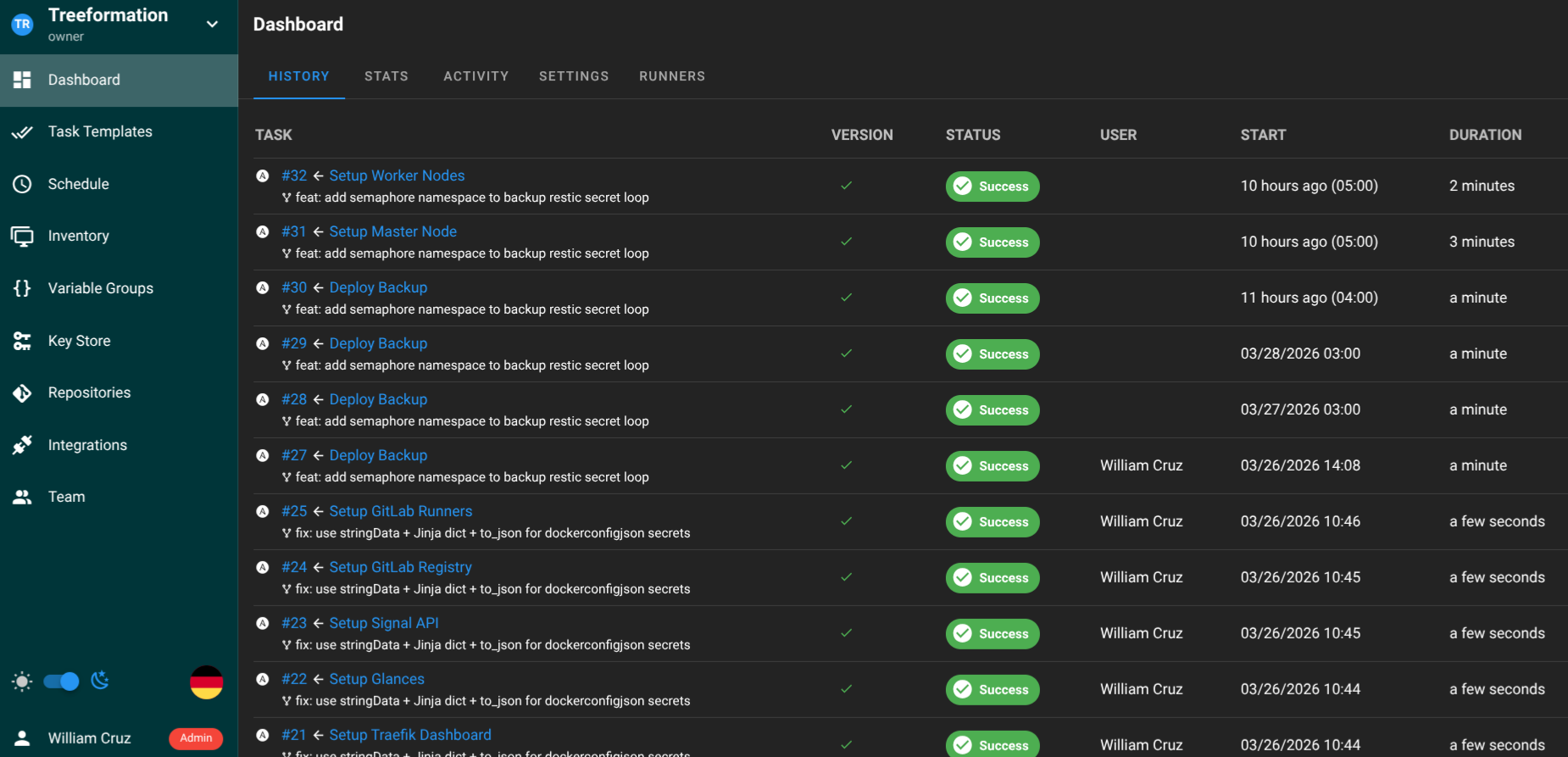
Every backup CronJob needs S3 credentials and the restic encryption password. The Ansible playbook creates a backup-restic Secret in each target namespace:
- name: Create restic Secret in target namespaces
  kubernetes.core.k8s:
    state: present
    definition:
      apiVersion: v1
      kind: Secret
      metadata:
        name: backup-restic
        namespace: "{{ item }}"
      type: Opaque
      stringData:
        AWS_ACCESS_KEY_ID: "{{ vault_backup_s3_access_key }}"
        AWS_SECRET_ACCESS_KEY: "{{ vault_backup_s3_secret_key }}"
        RESTIC_PASSWORD: "{{ vault_backup_restic_password }}"
  loop:
    - keycloak
    - dashboard
    - flashcards
    - n8n
    - pyfolio
    - monitoring
    - semaphore
All credentials come from Ansible Vault. The restic encryption password is also backed up in 1Password — losing it means losing access to all backup snapshots.
Monitoring Backups
Each CronJob sends a push heartbeat to Uptime Kuma after a successful backup. If the heartbeat doesn’t arrive within the expected window, the Uptime Kuma monitor turns red.
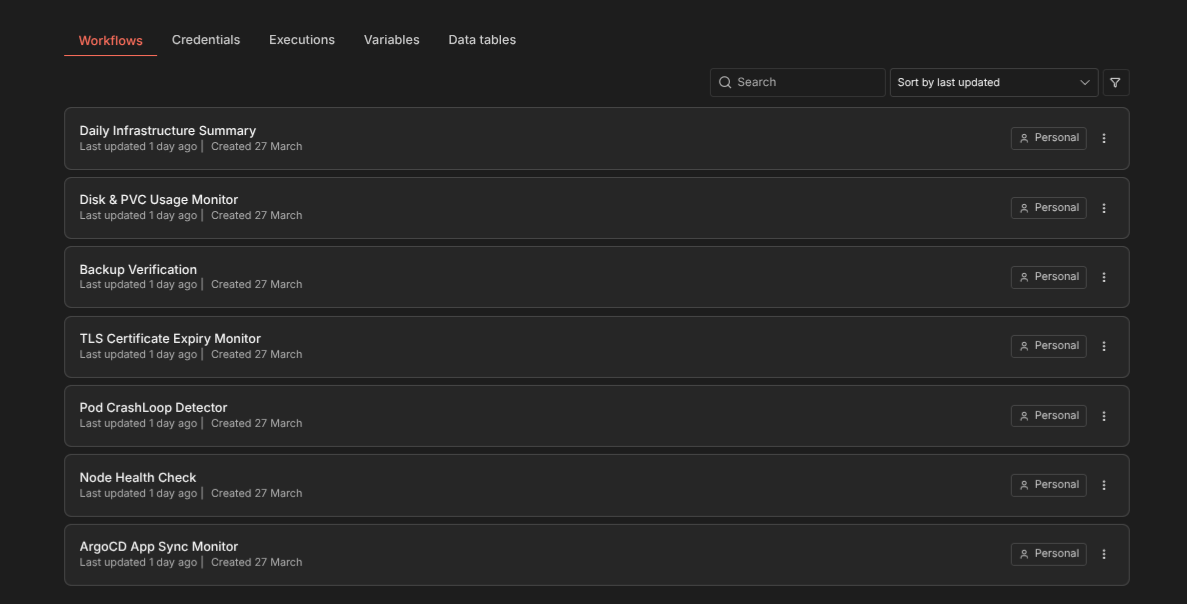
On top of that, the n8n Backup Verification workflow (described in a separate article) checks the actual Kubernetes Job status daily to verify that backups completed.
Retention Policy
Every backup repo uses the same retention:
- 7 daily snapshots — recover from the last week
- 4 weekly snapshots — recover from the last month
- 6 monthly snapshots — recover from the last 6 months
Restic’s deduplication keeps storage costs low — only changed blocks are stored in new snapshots.
Restore Procedure
Restoring a PostgreSQL database from backup:
# List available snapshots
restic snapshots --tag keycloak

# Restore the latest snapshot to a temp directory
restic restore latest --target /tmp/restore --tag keycloak

# Import into PostgreSQL
kubectl -n keycloak exec -i keycloak-postgresql-0 -- \
  psql -U $DB_USER -d $DB_NAME < /tmp/restore/tmp/keycloak.sql
For K3s state recovery, restore the SQLite database and restart K3s. The full disaster recovery procedure — tearing down the cluster and rebuilding from Ansible + restoring backups — takes about 75 minutes total.
The Non-Fatal Heartbeat Lesson
The backup system ran into a 22-hour outage caused by an Uptime Kuma SQLite bug. The heartbeat wget returned 404, causing the backup container to exit non-zero. Kubernetes retried the CronJob 6 times, each time re-running the full backup.
The fix was appending || echo "WARNING: heartbeat push failed (exit code: $?)" to every heartbeat call in all 8 backup CronJob templates. Monitoring side effects should never block successful backups. The warning is still visible in kubectl logs, but the Job completes successfully.